Your DAW video window —
floating in space
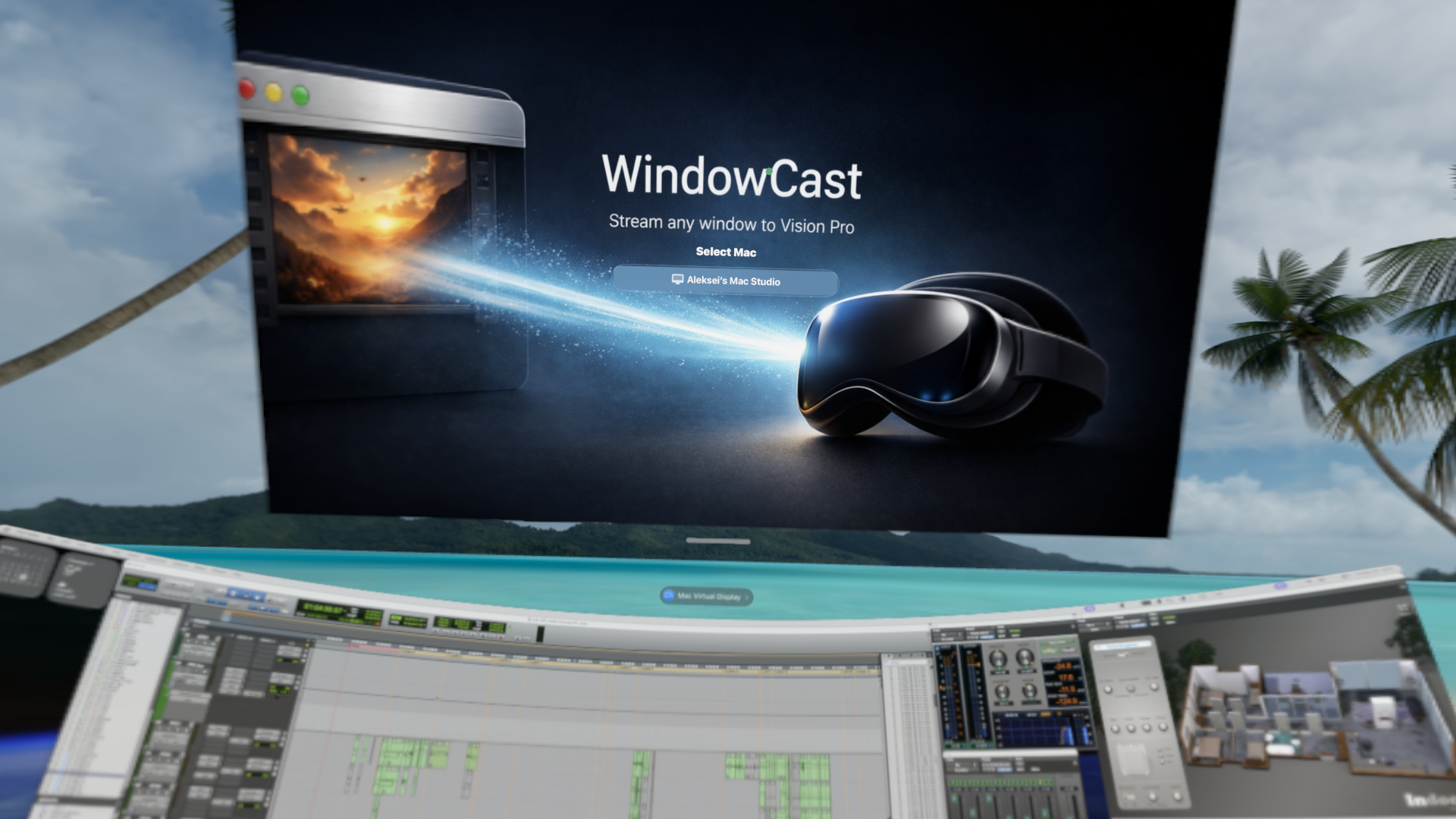
Stream any macOS window to Apple Vision Pro as a freely positionable panel. Low-latency UDP/HEVC streaming over Wi-Fi with zero configuration.
Why WindowCast
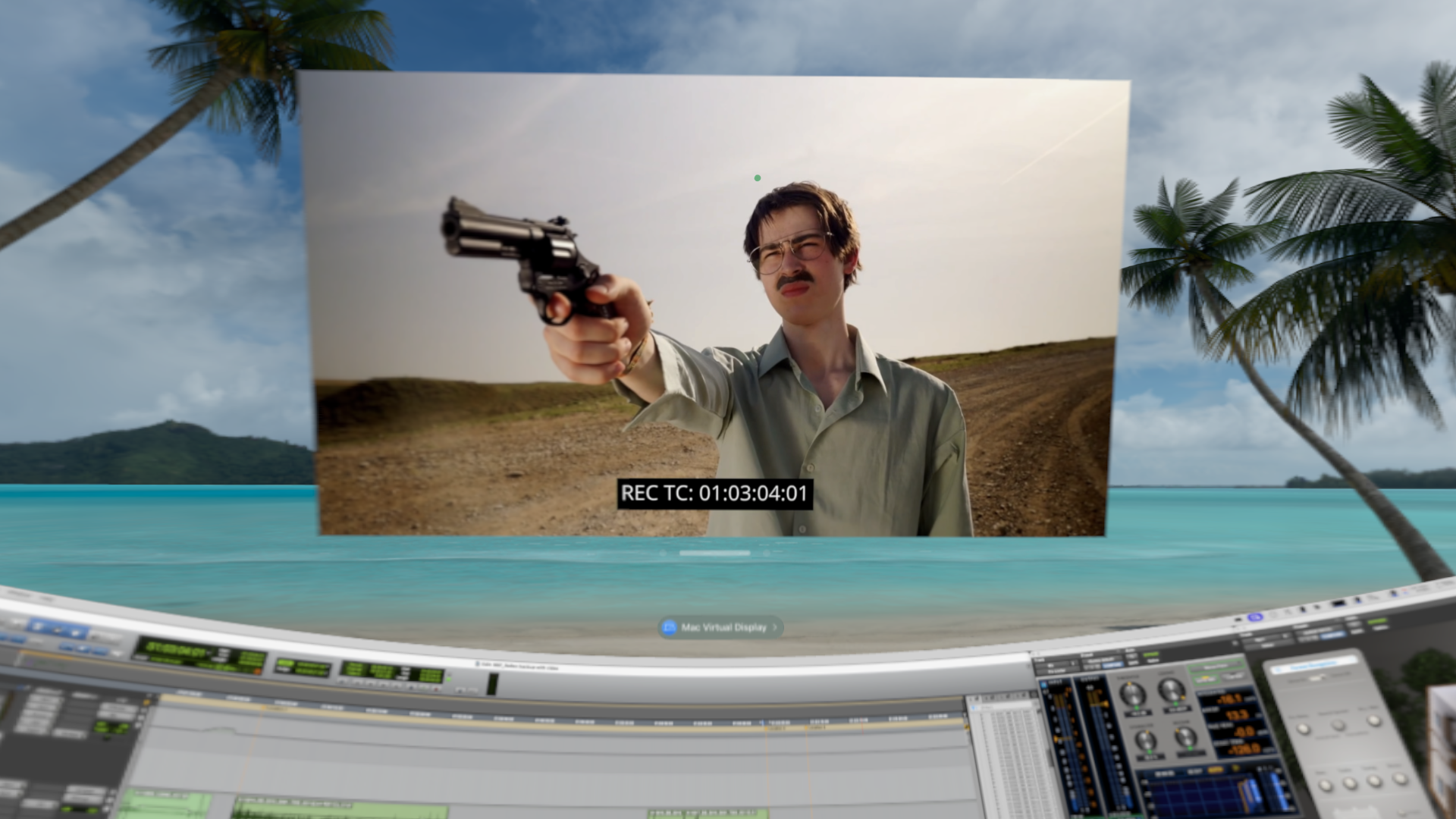
Mac Virtual Display on Apple Vision Pro gives you your desktop — but only one display. When you are working in a DAW, you often need a separate video reference window alongside your timeline. WindowCast streams any macOS window as an independent panel in your spatial environment. Position it anywhere. Resize it. Keep your DAW timeline on Virtual Display and your video reference floating right where you need it.
Features
Low Latency
~40–50 ms end-to-end. UDP transport with HEVC hardware accelerated encoding and decoding.
Works Alongside Virtual Display
Keep your DAW timeline on Mac Virtual Display and add a dedicated video window as a separate panel — no conflicts.
Any Window
Capture any macOS window — not just specific apps. Works with any DAW, player, or tool.
No Pointer Interference
View-only streaming — the pointer won't jump during playback. Your DAW stays in control.
Auto Title Bar Crop
Automatically crops the window title bar for a clean, distraction-free video panel.
Flexible Frame Rate
24, 25, 30, or 60 fps — match your project frame rate or optimize for smoothness.
Zero Configuration
Bonjour auto-discovery. No IP addresses to type, no ports to open.
Adjustable Quality
Balance quality vs latency for your network. Configurable bitrate from 1 to 5 Mbps.
Auto-Reconnect
Automatically reconnects if the stream is interrupted. No manual intervention needed.